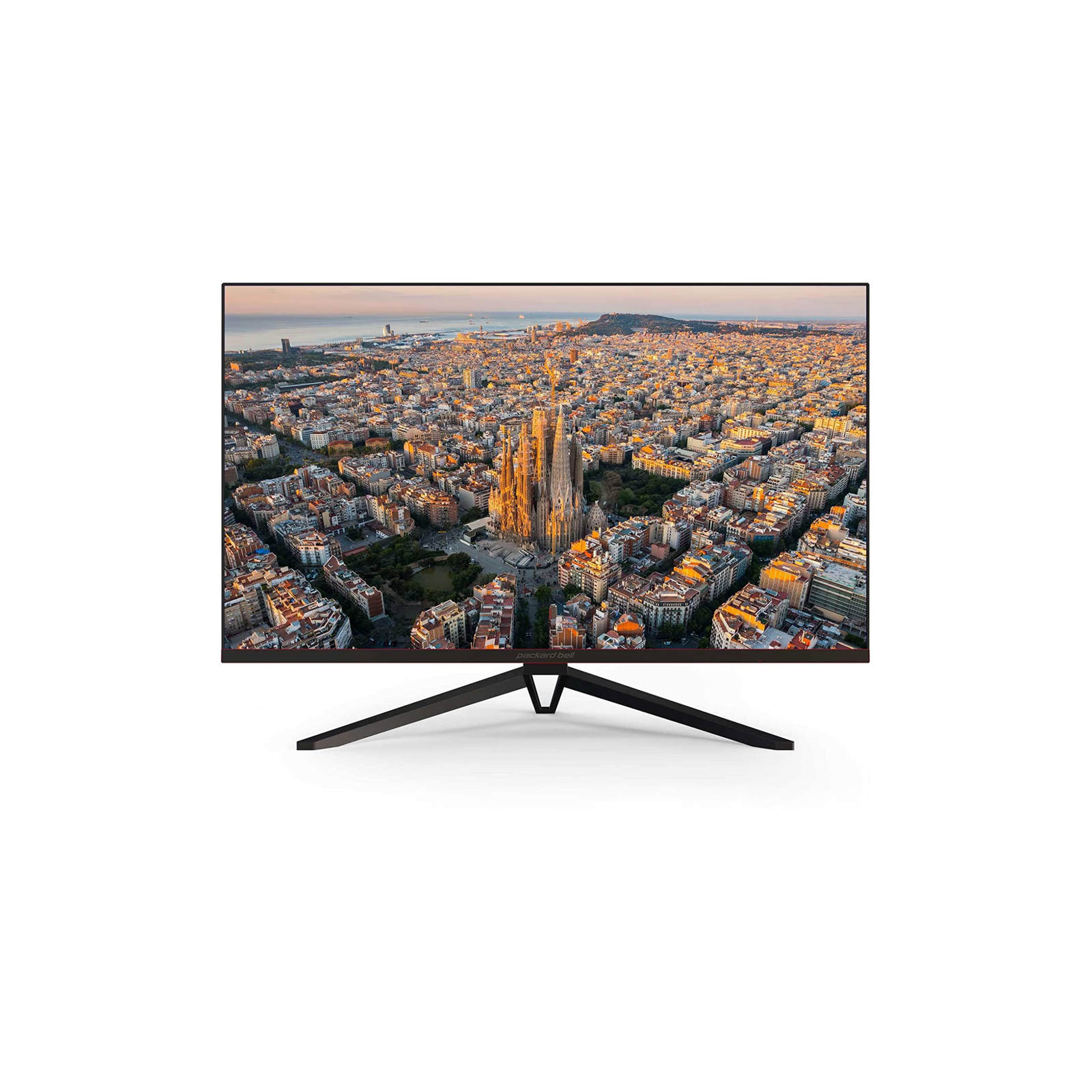
The Best of Downdraft CPU PC Coolers
Top-down CPU coolers designed to deliver efficient cooling for the processor while improving airflow over VRMs and memory. Ideal for small form factor and low-clearance systems.
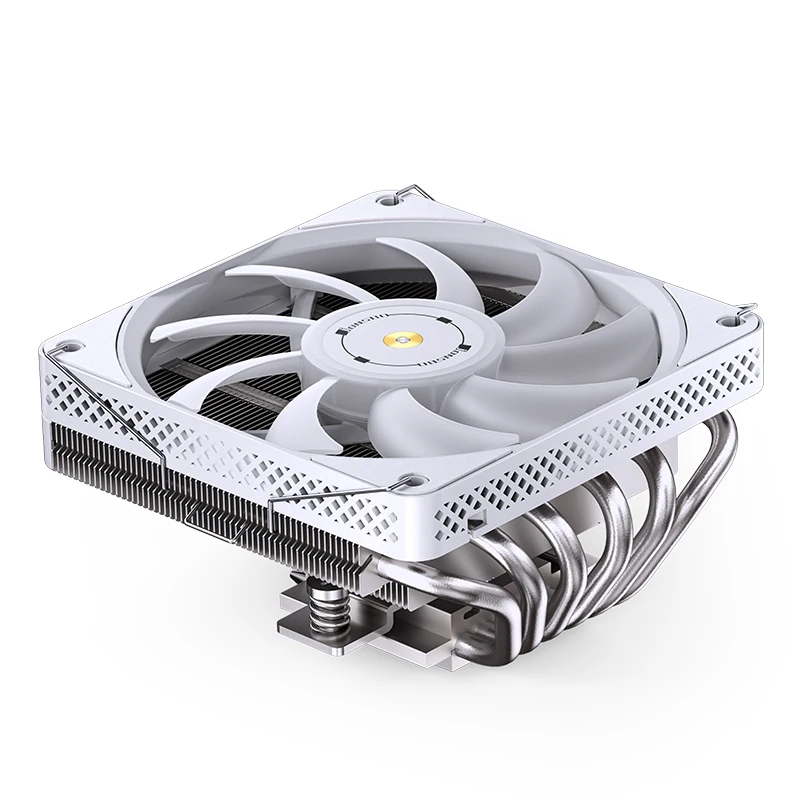
Best Downdraft Coolers 2025
Computers, laptops, and monitors built for work, study, and everyday use—reliable technology that fits into your routine without overcomplicating it, whether you’re working from home, helping kids with homework, or managing personal projects.
\
Products by Category
-

ID-COOLING IS-40-XT Black – 47mm Height Low Profile CPU Cooler, 4 Direct-Contact Heat Pipes Air Cooler for HTPCs, ITX, and Small Form Factor Builds, 92×92×15mm Slim Fan, Support Intel & AMD Socket
$24.99 -

ID-COOLING IS-40X V3 45mm Height Low Profile CPU Cooler 4 Heatpipes CPU Air Cooler with 15mm Thickness Slim Fan Support Intel LGA1700/1200/115X; AMD AM5/AM4 For Desktop
$24.99 -

ID-COOLING IS-55 Black CPU Cooler Low Profile 57mm Height CPU Air Cooler 5 Heatpipes 120x120x15mm Slim Fan, CPU Fan for Intel LGA1851/1700/115X/1200; AMD AM4/AM5
$39.99 -

Noctua NH-L12S, Premium Low Profile CPU Cooler with Quiet 120mm PWM Fan (Brown)
$74.95 -

Noctua NH-L9x65 chromax.Black, Premium Low-Profile CPU Cooler (65mm, Black)
$79.95 -

Thermalright AXP90-X53 White Low Profile ITX CPU Air Cooler, 53mm Height, TL-9015W Slim PWM Fan Low Noise 22.4dba, Silent ITX CPU Cooler, 2700RPM,for AM4/AM5/Intel 1150/1151/1155/1156/1200/1700/1851
$19.39 -
Thermalright Peerless Assassin 120 SE CPU Cooler, 6 Heat Pipes AGHP Technology, Dual 120mm PWM Fans, 1550RPM Speed, for AMD:AM4 AM5/Intel LGA 1700/1150/1151/1200/1851,PC Cooler
Original price was: $38.90.$34.90Current price is: $34.90. -

Thermalright SI-100 White ARGB CPU Air Cooler ITX, 6×6mm Heat Pipes,120mm PWM Quiet Fan CPU Cooler, 110mm Hight, for AM4/AM5,Intel lga1150/1151/1200/1700/1851/2011,100mm Low Profile PC Cooling
$27.39 -
Thermaltake TOUGHAIR 110 140W TDP Top Flow CPU Cooler, Intel/AMD Universal Socket (LGA 1700/1200), 120mm 2000RPM High Static Pressure PWM Fan with High Performance Copper Heat Pipes CL-P073-AL12BL-A
Original price was: $38.99.$35.99Current price is: $35.99.

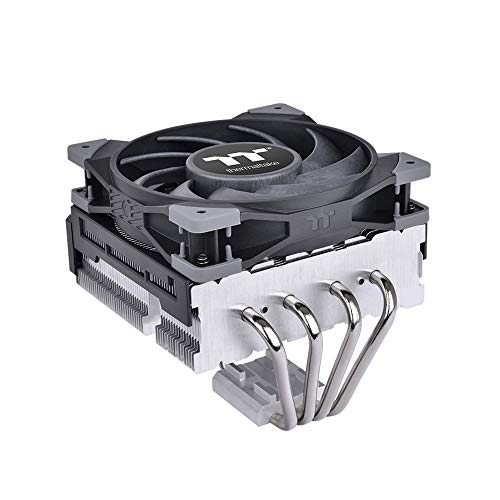
About Downdraft CPU Coolers
Downdraft CPU coolers use a top-down airflow design that directs air straight onto the processor and surrounding motherboard components. This cooling approach helps manage CPU temperatures while also providing airflow to nearby VRMs, memory modules, and chipset areas.
Cooling Beyond the CPU
Unlike tower coolers, downdraft designs push air downward, helping cool not only the processor but also nearby components such as VRMs and RAM.
Compact and Case-Friendly Design
Downdraft CPU coolers are well suited for small form factor builds, HTPCs, and cases with limited height clearance where larger tower coolers won’t fit.
Improved System Stability
By reducing heat buildup around the CPU socket area, downdraft coolers can contribute to more stable performance, especially in compact or low-airflow systems.
Brands
These brands are known for reliable downdraft CPU coolers that balance thermal performance, compatibility, and build quality. Each focuses on slightly different priorities, making it easier to choose based on your system and use case.

Noctua
be quiet!

Scythe
CPU Cooler Fans Explained
The fan plays a key role in how effectively a downdraft CPU cooler manages heat. Fan size, speed, airflow, and noise characteristics directly affect cooling performance and overall system comfort.
A downdraft (top-down) CPU cooler directs airflow downward onto the processor and surrounding motherboard components instead of pushing air horizontally like tower coolers.
Downdraft coolers focus on cooling both the CPU and nearby components such as VRMs and RAM, while tower coolers primarily move heat away from the CPU toward the rear exhaust.
They are suitable for gaming systems with moderate to high workloads, especially in compact or low-profile builds. Extreme overclocking typically benefits more from large tower or liquid coolers.
Yes. Their low-profile design makes them ideal for mini-ITX, HTPC, and small form factor cases where height clearance is limited.
Yes. Because airflow is directed downward, surrounding components receive additional cooling, which can improve overall system stability.
Noise levels depend on fan size and speed. Many models are designed to balance airflow and acoustics, remaining quiet during normal operation.
Have a Question? Get in Touch
The form below allows sending an inquiry to the support team for additional assistance with any question.
[forminator_form id=”654″]
Downdraft vs Tower CPU Coolers
Packard Bell has been making computers since before most people had one in their home. We started in the ’80s putting PCs on kitchen tables and home office desks, back when owning a computer felt like a bigger deal than it probably should have. We’ve watched the industry grow up, watched it get complicated, watched it fill up with specs that don’t matter and features nobody asked for. Through all of it, we’ve kept doing what we’ve always done: building reliable machines that work the way you need them to work.
We’re not chasing the bleeding edge. We’re not reinventing what a laptop should be or promising you’ll suddenly become more creative because of your monitor. Our PCs are for people who need to get work done, watch movies without buffering, video call their family, or just browse the internet without their computer freezing every twenty minutes. We build for longevity over novelty, function over flash. If you want a computer that’ll still boot up three years from now without begging for repairs, that’s what we’re here for.
The tech world loves to tell you that last year’s model is obsolete, that you need to upgrade constantly to keep up. We don’t buy it. A good computer should last. It should be repairable when something goes wrong. It should do what you bought it to do without making you feel like you’re already behind. That’s been our approach for decades, and it’s not changing now. We’re still here because we build things that stick around.
Stay Connected
Get the latest updates on new releases, technical insights, and computing trends delivered straight to the inbox.
[forminator_form id=”653″]
More From Packard Bell
Accessories and peripherals that complement your workstation—from wireless keyboards to cables and laptop bags.
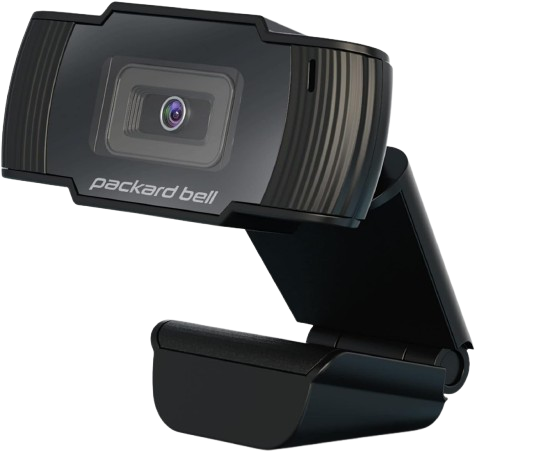
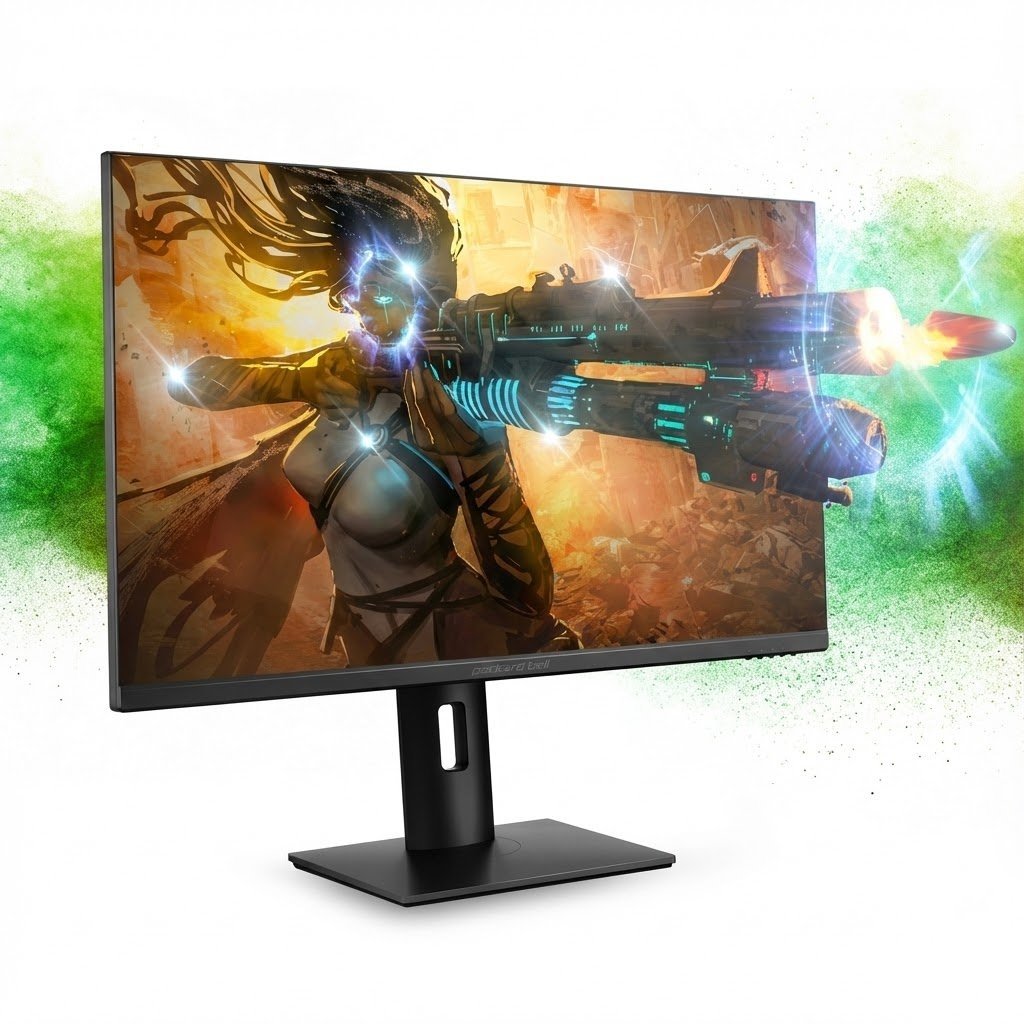
High Resolution 1080p Desktop Webcam, Full HD, USB 2, Built-in Mic
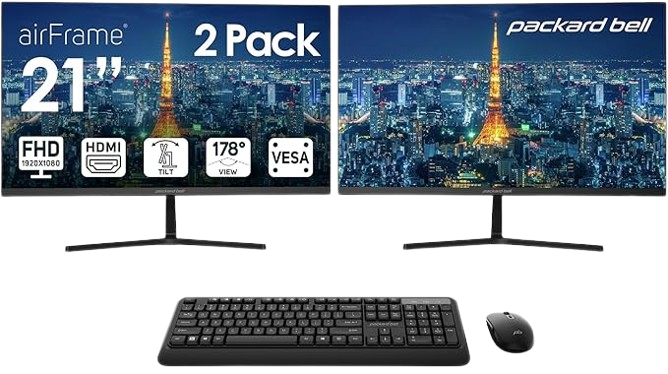
21 Inch Monitor FHD 1920 x 1080 Computer Monitor, 75 Hertz, Dual Monitor
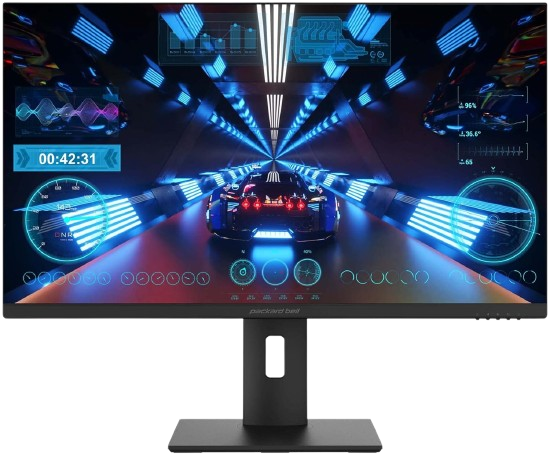
28 Inch Gaming Monitor, 4K UHD 2160p, 3840 x 2160, 144Hz, 1ms, FreeSync
Loved by Users Worldwide
From home offices to dorm rooms, our customers trust Packard Bell to deliver reliable performance without the premium price tag.

Marcus T.
Switched to a Packard Bell monitor for my home office setup, and the color accuracy is noticeably better than my old display. My eyes don’t feel strained after long design sessions anymore.

Jennifer K.
I needed a reliable laptop for my daughter’s college work that wouldn’t break the bank. The EasyNote series has held up beautifully through two semesters of heavy use—fast startup, solid battery life, and she’s never had a crash.

Raj P.
The all-in-one PC I got for my parents is perfect for them. Setup took me maybe 15 minutes, and they love how everything’s built into the screen. No messy cables, no confusion about what plugs in where.
Every question, suggestion, and piece of feedback helps shape better products and services for the community.
[forminator_form id=”655″]